Proton says never use "Sign in with Google". One lockout could cost you every login
Proton gave no reason. The reason is simple, and you can check your own risk in about five minutes.

Photo: mikemacmarketing / Wikimedia Commons, CC BY 2.0
- One Google lockout can take down every app linked to it
- Google can see every service you log into this way
- You can see your own linked apps in two taps
NEVER SIGN IN WITH GOOGLE.
Proton Mail wrote that seven times in a row on 9 October. Nothing else. No link, no reason. The post passed a million views.
Then came the replies. Hundreds of people asked the same thing, and many tagged the AI chatbot Grok to explain. One wrote: "umm i have done it so many times, am i cooked?" Another joked: "Understood. Logging in with Google now so I don't forget."
Here is the answer Proton did not give.
What does "Sign in with Google" actually do?
It is the button on a site or app that lets you log in with your Google account instead of making a new password. You tap it, pick your Gmail address, and you are in.
It feels easy. That is the point. But your login at that app now depends on Google.
Every time you press it, Google knows which app you used. Google can also see when. Tech site Cybernews, reporting on an earlier Proton warning, says that includes the time, your device and your location.
Why would Proton tell people never to use it?
Proton has said this before. Its May 2026 post used almost the same words and told people to make an account with a hide-my-email alias instead.
Proton sells its own email and privacy tools, so it has a stake in the advice. Still, two real problems sit behind the warning.
One company sees everywhere you log in. Cybernews describes your Google account as a "master key" to your online life. If it is ever hacked, a thief can try every linked app.
One company can lock you out of all of it. If Google locks or bans your account, every login tied to it can stop working at the same time.
What happens if Google locks your account?
You lose Gmail first. Then you lose every app and site where the only way in was the Google button.
Think of a keyring. Sign in with Google puts every key on one ring. Lose the ring, and you lose them all.
Google does not usually do this. One analysis of the risk by a software engineer found it is rare. He sorts lockouts into two kinds. A security lockout happens when Google doubts it is really you. A policy lockout happens when Google's systems flag something your account did.
Rare is not never. And when it happens, there is often no human to call.
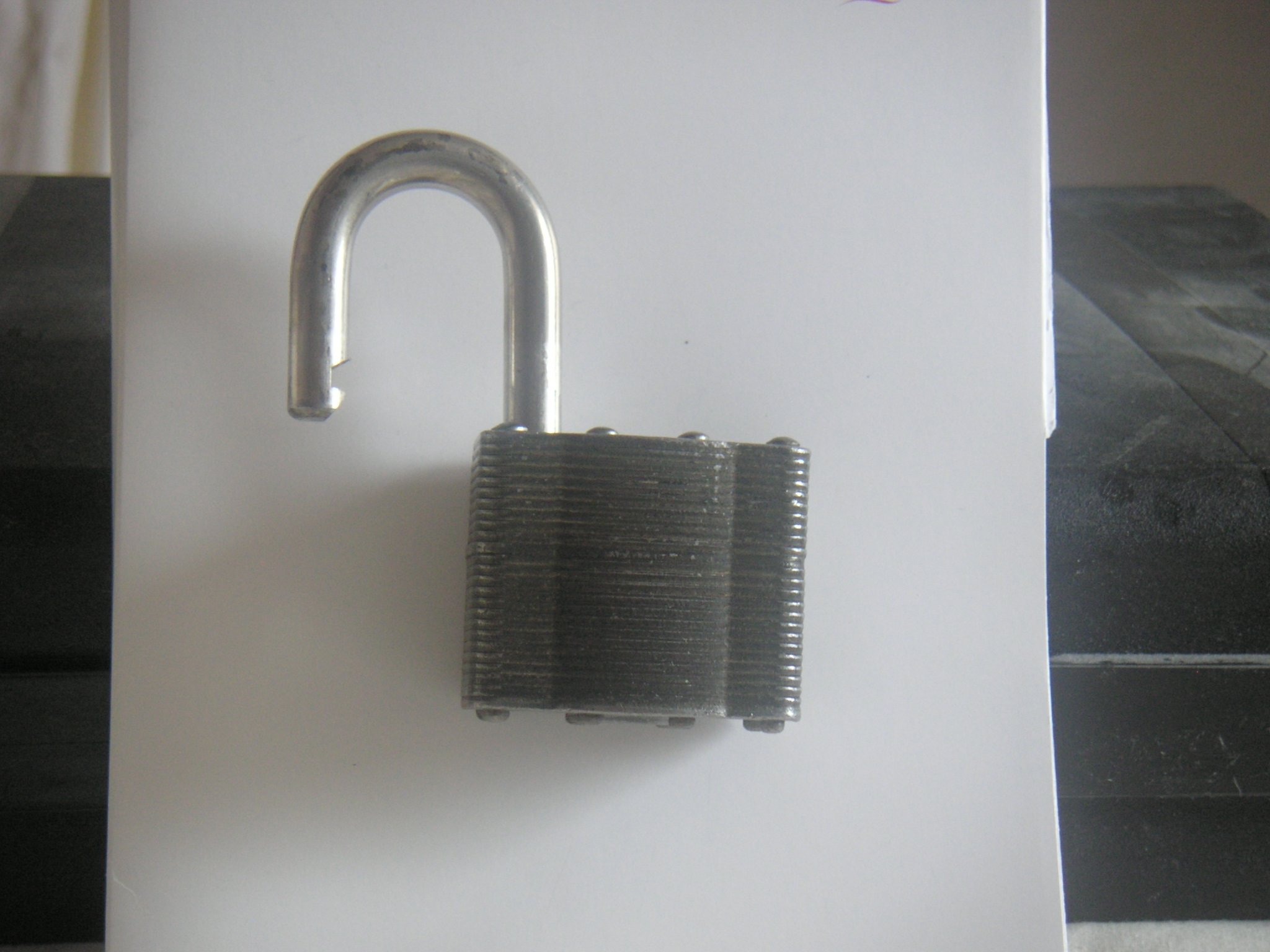
Photo: Lee Haywood from Wollaton, Nottingham, England / Wikimedia Commons, CC BY-SA 2.0
For other login and account traps readers have sent us, see the Ledger wallet drain story and how Standard Bank OTP scams work.
Am I cooked if I already use it?
No. Using it is not an emergency. Millions of people do, and Google presents it as a secure way to sign in.
But if you use it for the apps you care about most, you have a single point of failure. The fix takes minutes and can be done one app at a time.
How do I see which apps use my Google login?
You can see every one of them in one place.
- Open your Google Account at myaccount.google.com and go to Security.
- Scroll to Your connections to third-party apps & services.
- Pick the Sign in with Google filter to see only the apps that use your login. Google's direct page for this is myaccount.google.com/linkedapps.
- Tap an app, then See details.
- To cut the link, choose Stop using Sign in with Google, then confirm.
Cutting the link does not delete your data in that app. But you must set up another way in first, or you can lock yourself out of the app. Do this one at a time.
Photo: Asoundd / Wikimedia Commons, CC BY-SA 4.0
How do I switch one app without losing my account?
Do it in this order, or you can end up locked out of the app yourself.
- Open the app and go to its account or security settings.
- Look for an option such as Set a password or Add email login. Most apps send a code to your email to prove it is you.
- Make a long, unique password and save it in your password manager.
- Log out of the app, then log back in with the new password to test it.
- Only now go back to your Google list and choose Stop using Sign in with Google.
Step 4 is the one people skip. Do not skip it.
A few apps hide this option or do not offer it at all. If you cannot find it, search the app's help page for "change login method". If there is no way, you may need to contact support.
What should I use instead?
You have three good options. None of them depend on one company.
| Option | What you keep | What to watch |
|---|---|---|
| Email plus a password manager | A different, strong password for every site | You must protect the manager with a strong master password |
| Passkeys | Login with your fingerprint or face, no password to steal | Make sure the passkey is backed up |
| Alias email address | The app never sees your real address | Keep the alias service safe too |
A passkey is a login stored on your phone or computer. You unlock it with your fingerprint, your face or your PIN. There is no password for a thief to steal.
Start with the apps that matter most. Your bank, your email, your cloud storage and your work tools come first.
A password manager can fill in the strong password for you. So it is no harder than tapping the Google button.
What will you find when you open the list?
Open the page tonight and look at how long it is.
Many people find apps they signed up for in a rush years ago. A food app. A game. A site they used once for a coupon. All tied to the same key.
The Google button never asked you to remember a thing. That is why the list is so often longer than you think. How many names are on yours?
Sources5
The week's biggest stories, every Monday
One email. The stories everyone will be talking about, before they do.
Free. One email a week. Unsubscribe anytime.Keep reading
 ExplainedAre Chinese cars reliable? What owners, banks and the data say
 ExplainedGTA 6 release date: 19 November 2026, times, price and PC
 ExplainedSpaceX wants to be your phone company, and the big three felt it